One of the most challenging, but also most important aspects of good teaching is classroom management. Due to the current trend of technology in education, most schools and instructors have resorted to classroom management systems to make their day-in-day-out tasks easier.
But what exactly are these systems? How do they help students and teachers? And which tools should you be using?
In this guide we are going deep into the sphere of classroom management systems, their advantages, examples, and the process of selecting a proper one.
A classroom management system is an application- most likely a digitalized presentation or software- that assists an educator to arrange, take control of and govern their classes in a more productive way. Among the tasks that can be dealt with by such systems there are:
The tools are intended to save time that teachers would be inputting in administrative work thus focusing more on teaching and mentoring.
An Online Classroom management is quite different than merely teaching the curriculum. Teachers are always performing attendance management, behavior monitoring, parent-communication, and grading, all the meanwhile seeking to keep students attentive and persevering.
That’s where a Classroom Management System (CMS) becomes a game changer.
Using an appropriate CMS, the teachers will be able to make their everyday life easier, encourage the introduction of a healthy culture in the classroom environment, and they will pay less attention to the paperwork and more to the students.
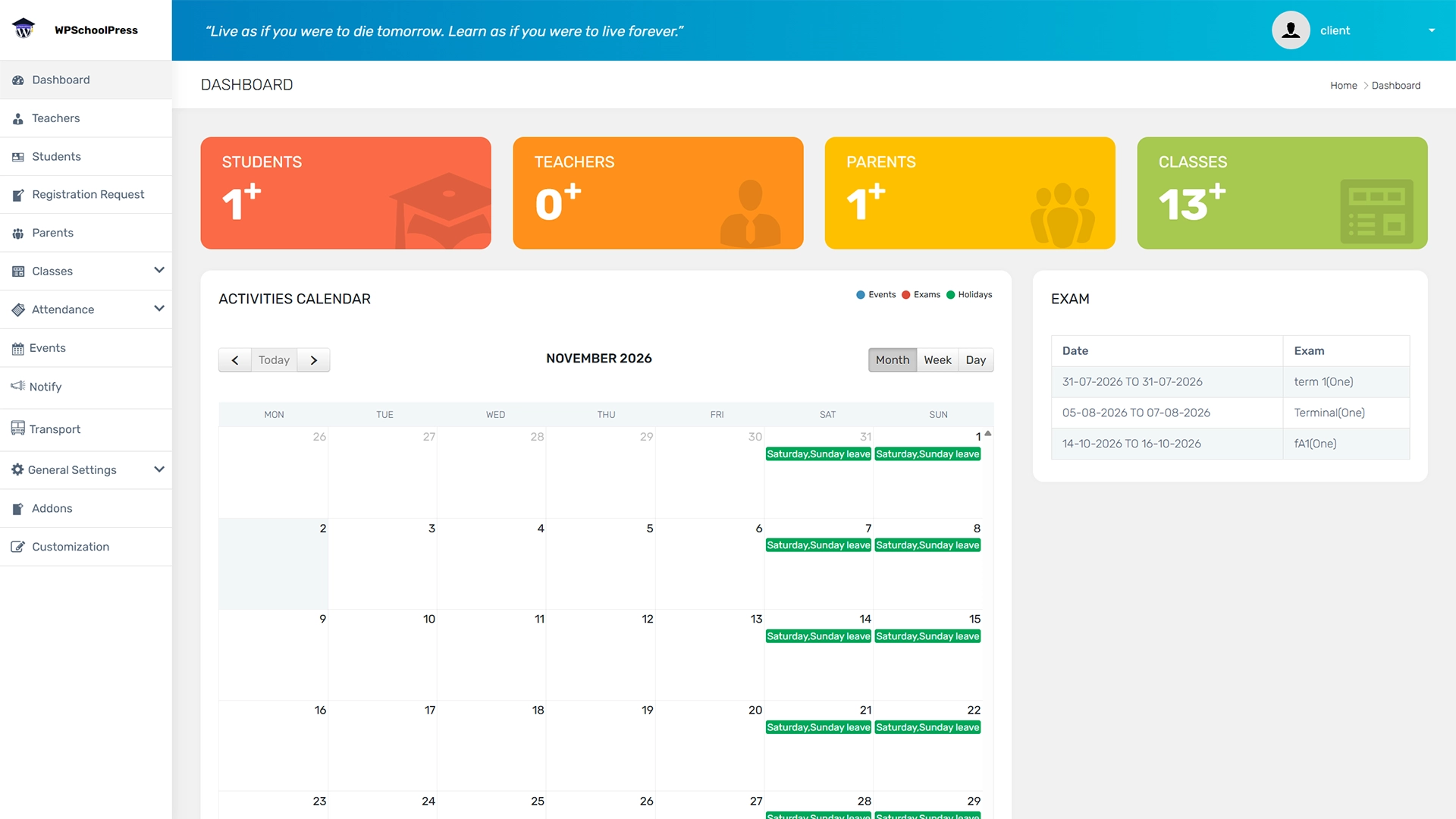
WPSchoolPress offers features like attendance tracking, parent-teacher messaging, fee collection, and exam report – making it a complete solution for modern schools.
With tools like student dashboards, performance tracking, attendance monitoring, WPSchoolPress features support various content formats – catering to different learning styles and keeping students engaged.
Result? Students are more likely to pay attention, participate actively, and stay motivated throughout the school day.
A CMS keeps everyone on the same page-parents, students, and staff.
Why it matters: Communication barriers shrink. Misunderstandings and missed assignments drop dramatically.
A powerful CMS gives you instant insights into:
Teachers and parents can monitor progress on a day-to-day basis and resort to early intervention in case the situation requires it rather than wait until report card time.
For example:
Administrative work eats up a shocking amount of teacher time. But a CMS can automate:
This saves the teachers hours per week and they can use it better during lesson planning, providing more individual attention.
With a CMS, everything is logged and stored:
This creates clear documentation in case of parent meetings, school reports, or administrative reviews. It also helps students take ownership over their learning when they can track their progress in real time.
While these systems help teachers, they’re also incredibly valuable for students. Here’s how:
The students are able to login to their account and check on attendance records, exam results, all in one place. This creates self responsibility and accountability in their education.
These features include teacher comments, exam marks which keeps the students informed hence motivated.
Missed a class? No problem. WPSchoolPress supports exam timetables, and class schedules, so students can access key academic information anytime, anywhere.
Students benefit when parents stay informed. WPSchoolPress allows parents to log in and monitor student performance, attendance, and fee status—creating a healthy support system at home.
Not all systems are made equal. Here’s a checklist to help you decide:
| Criteria | Questions to Ask |
|---|---|
| Ease of Use | Is it beginner-friendly? |
| Platform Compatibility | Does it work on phones, tablets, and PCs? |
| Student Age Range | Is it suitable for K–12 or college? |
| Customization | Can you adjust it to your teaching style? |
| Data & Privacy | Is it compliant with education laws? |
| Cost | Does the free version meet your needs? |
| Pros | Cons |
|---|---|
| Saves time | Can be overwhelming at first |
| Engages students | May require internet/device access |
| Improves behavior | Some tools are costly |
| Tracks progress | Privacy concerns if not managed properly |
Research reveals that classroom management systems have the potential of enhancing academic performance, attendance, and behavior. When correctly implemented, there is a system that helps students rather than race students, but remains motivated, engaged, and on task, usually giving the teacher more time in the process of teaching.
The classroom management system is not a luxury anymore, it is a necessity to modern teaching. Being a teacher of 10 children or 100 children will not make a significant difference in the usage of these tools as the main idea behind them is to organize the work process, to base the interest of students on and to complete the process with better learning.
Spend time to find out the right system that suits you. Begin with free variants, work with them, find out what suits you in the classroom best.

Hi, I’m Alex Smith, a Subject Matter Expert at WPSchoolPress. For over six years, I’ve helped schools digitize operations like attendance, fee management, and academic workflows. I’m passionate about using processes automation and smart technology to make school management faster, more efficient, and student-focused. Through my blog, I share practical tips and automation strategies to help schools simplify and streamline their workflows.
Explore all the features of WPSchoolPress like attendance management, student grading system, etc by trying it’s live demo

April 2, 2026

March 24, 2026

October 13, 2025

September 22, 2025

September 13, 2025
Stay updated with our latest news & updates. We promise not to spam!
Share a few details about your school and our team will set up your WPSchoolPress website for you.